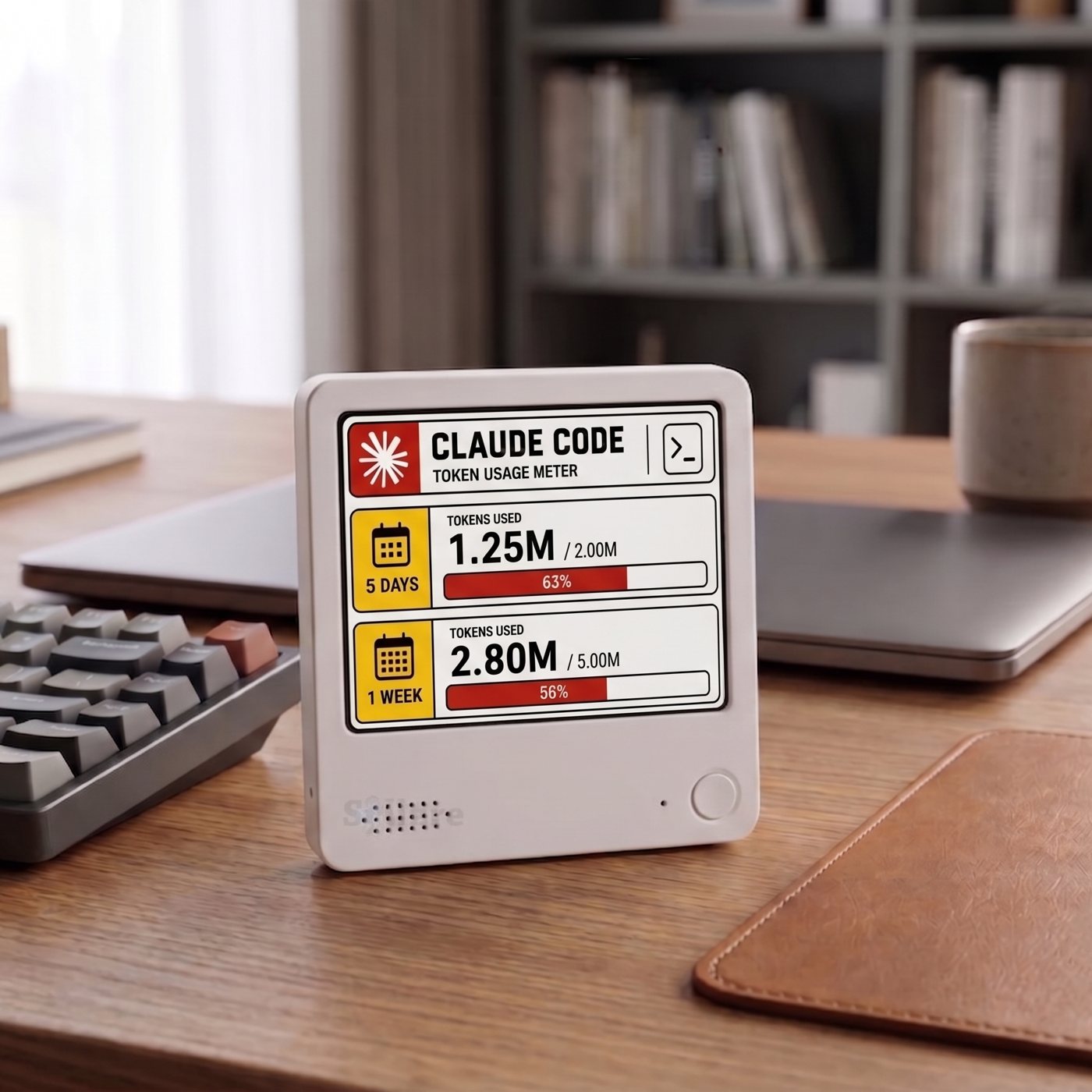
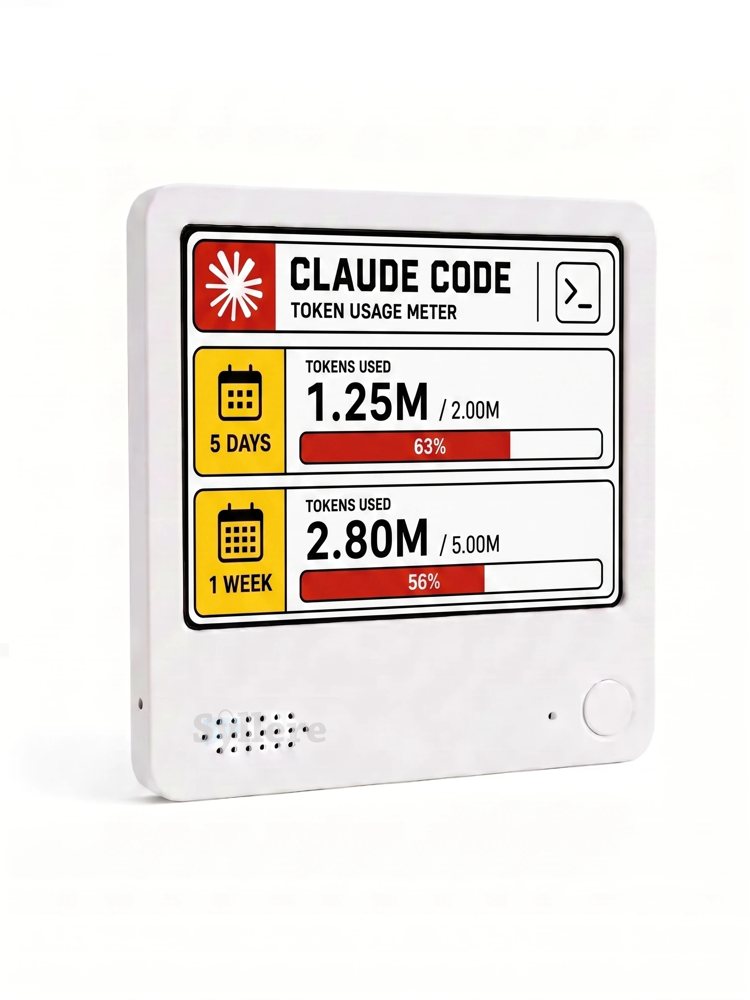
Short answer: Yes. Claude Code has its own /usage screen, but it only shows when you stop and run it. The Everview Claude Code Token Monitor is a 4-inch e-ink desk display that puts your token usage beside your monitor and updates on its own throughout the day. You set it up by pasting a Claude API key, so it suits developers who pay for Claude Code with an API key.
How do you check Claude Code usage today?
Inside Claude Code, the /usage command is the built-in place to look. According to Anthropic's Claude Code cost documentation, it shows:
- Session tokens and cost (for API users): token counts by model and an estimated dollar total for the current session. This resets when /clear starts a new session.
- Plan usage bars (for Pro, Max, and other subscription plans): how much of your plan limit you have used, plus a usage breakdown.
- Console reporting (for API organizations): the Claude Console Cost page and workspace spend limits.
All of these are pull-based. You only see the number when you open a terminal command or a browser tab. When you are deep in a refactor, nobody does that. That is why so many developers search for a "Claude Code usage monitor" or "Claude usage tracker widget."
Why put Claude Code token usage on an e-ink desk display?
An e-paper screen holds its image without a backlight, so a slow-changing number can stay visible all day without adding another glowing window. Developers have already built their own Claude usage e-ink screens from ESP32 boards, old e-readers, and Raspberry Pi panels. That works if you enjoy flashing firmware and writing polling scripts.
Everview packages the same idea as a finished device. Here is what the official product page states:
- What it shows: Claude Code token usage, so you are less likely to hit your limit by surprise.
- Screen: a 4" x 4" (10 cm x 10 cm) e-ink display, 1 cm (0.4") thick.
- Updates: it updates automatically at regular intervals throughout the day. It is not a live, second-by-second meter.
- Battery: up to about a week per charge, recharged over USB.
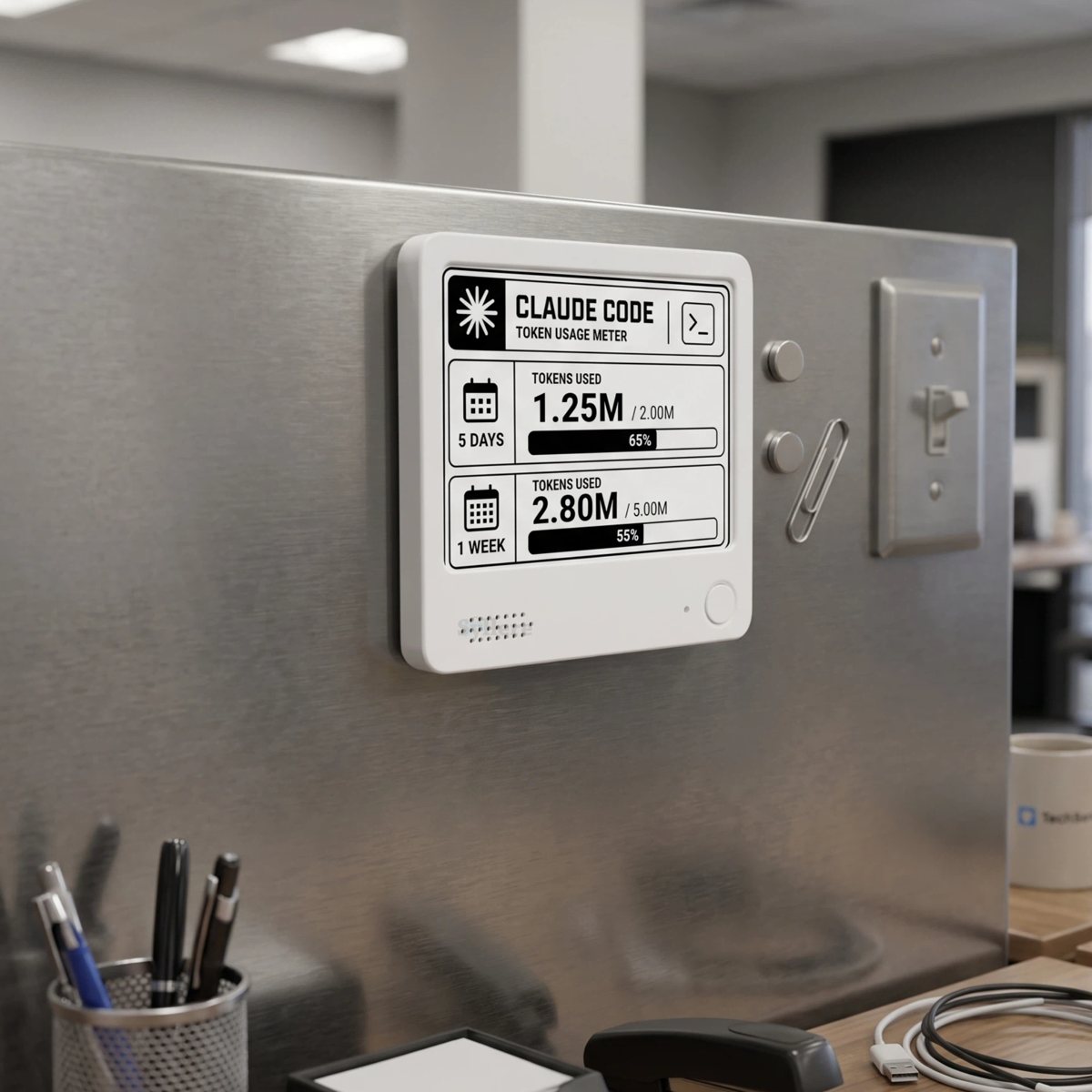
- Mounting: a strong magnetic back for a fridge or other metal surface, plus an included stand for your desk.
- Price: $69.00 USD, plus a flat $15 USD shipping fee.
If you want that number at a glance without building it yourself, see the Everview Claude Code Token Monitor.
Does it work with a Claude Pro or Max subscription, or only API keys?
This is the most important question to answer before you buy. The product page says the Claude Code platform needs your Claude API key to track token usage. You paste the key into a field when you add Claude Code in the device dashboard.
That makes it a clear fit if you run Claude Code on an API key and pay per token through the Claude Console. If you only sign in with a Pro, Max, or Team subscription and have never created an API key, the product page does not say it can read your plan's session or weekly limit bars. Message Everview before ordering to confirm what your setup will show.
A few sensible habits for any device that holds an API key:
- Create a separate key just for the display, so you can revoke it without touching your other projects.
- Set a workspace spend limit in the Claude Console. That way the display shows your usage, and the Console enforces the hard cap.
- Revoke and replace the key if you give the device away or stop using it.
How do you set up the Claude Code token monitor?
Setup is mostly handled by Everview, according to the product page:
- Choose a screen at checkout: Color or B&W.
- Get the setup email. After you buy, Everview emails you the specific settings for your device.
- Add Claude Code and paste your API key in the dashboard field. Claude Code is the default platform on this model.
- Ask for remote changes if you need them. The page says Everview can reconfigure the device remotely, including switching it to another platform, such as Twitch or Spotify, when you request it.
Color or black-and-white e-paper: which should you pick?
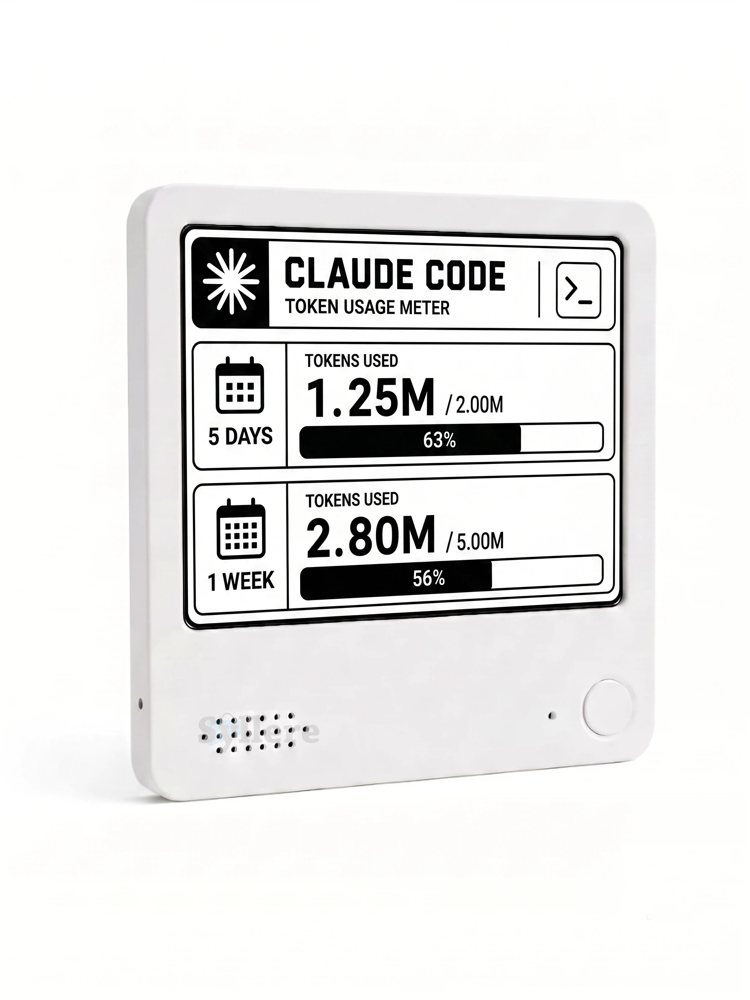
Both versions sell for the same price. The official photos show the same tokens-used layout on each. The difference is how they refresh:
- Color e-ink uses red and yellow accents, so the progress bars stand out. The product page warns that it flashes briefly and takes a few seconds to process when it switches dashboards.
- B&W e-ink is the choice Everview recommends if you want no flashing and instant switching.
If the display will sit in your line of sight while you code, B&W is the calmer option. If you want the bars to catch your eye from across the room, choose Color.
Is a Claude Code desk display worth it?
It is worth considering if you run long Claude Code sessions on an API key and keep getting surprised by how many tokens you used. It is also a fun gift for an AI-heavy developer. It is less useful if you only use a subscription plan and the seller cannot confirm plan-limit support, or if you need an exact real-time cost readout. For that, /usage and the Claude Console remain the source of truth.
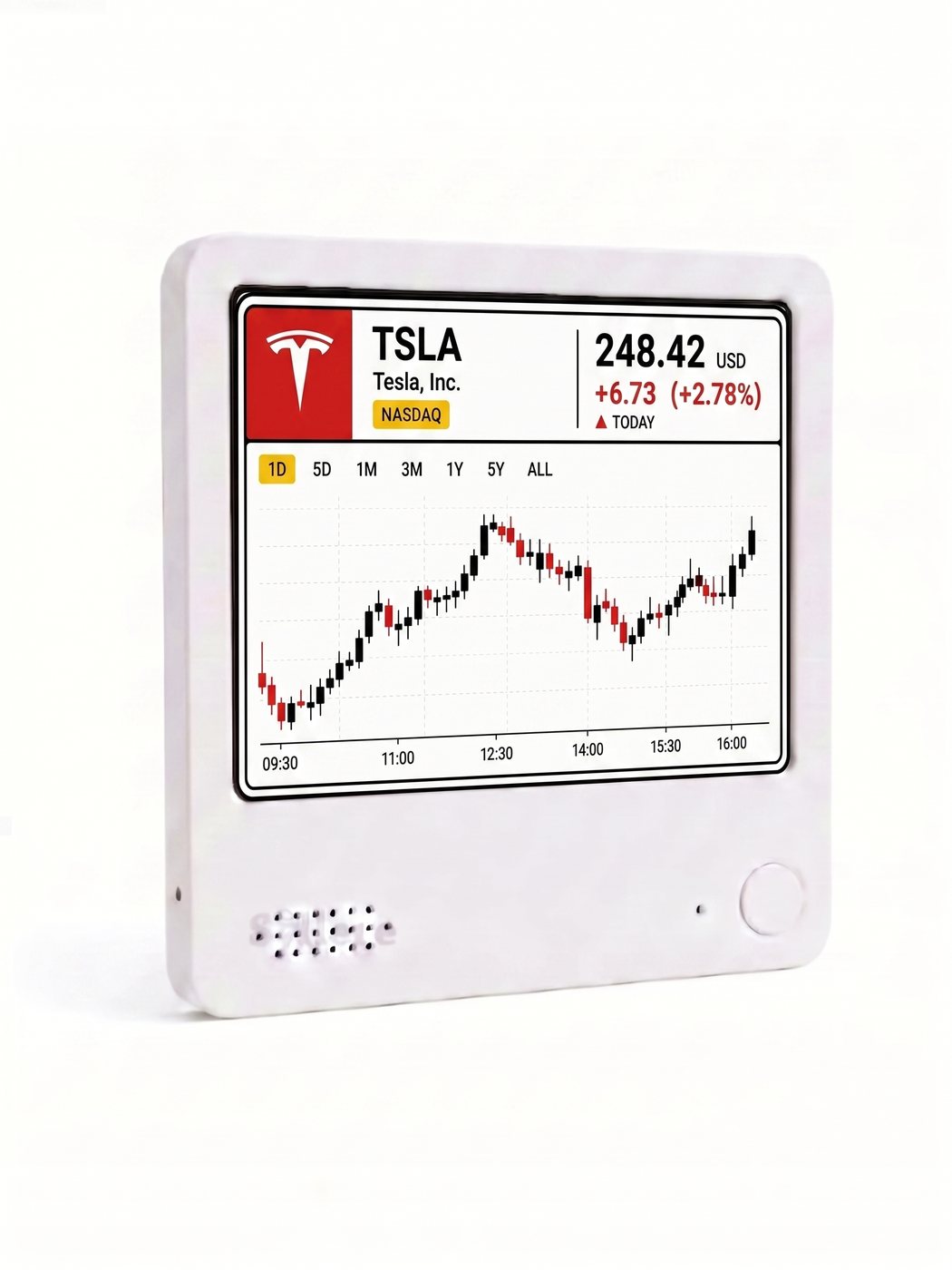
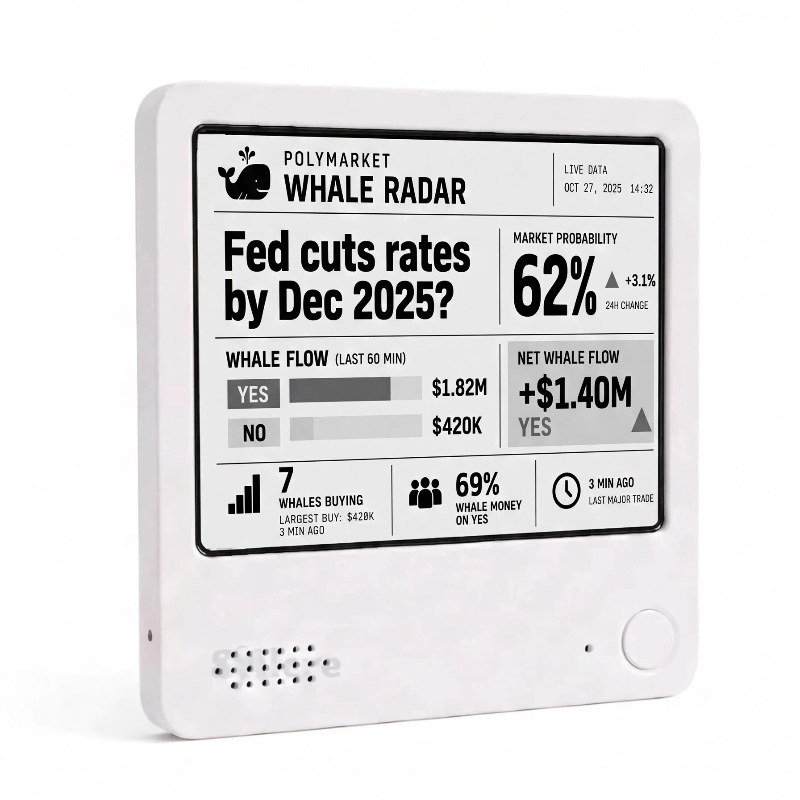
Already using Everview for other numbers? See how the same desk-display approach works for a stock price and chart and Polymarket whale activity.
Ready to stop guessing how many tokens are left? Get the Everview Claude Code Token Monitor, and choose Color or B&W at checkout.