You can keep a selected stock’s price and day chart visible without repeatedly opening a finance app. An e-paper desk display can show the ticker, the latest price, today’s change, and a candlestick chart on one glare-free screen. Everview’s stock and crypto price ticker is a 4-inch e-ink display, pre-configured around the symbol or app you note at checkout. It is a glanceable desk view, not a trading terminal.
If you want a dedicated desk display for this view, see the Everview stock and crypto price ticker.
What can an e-paper stock desk display show?
A finance app remains the place to trade, read news, or review a full watchlist. A desk display answers a narrower question: when you look up, can you see one selected ticker without unlocking a phone?
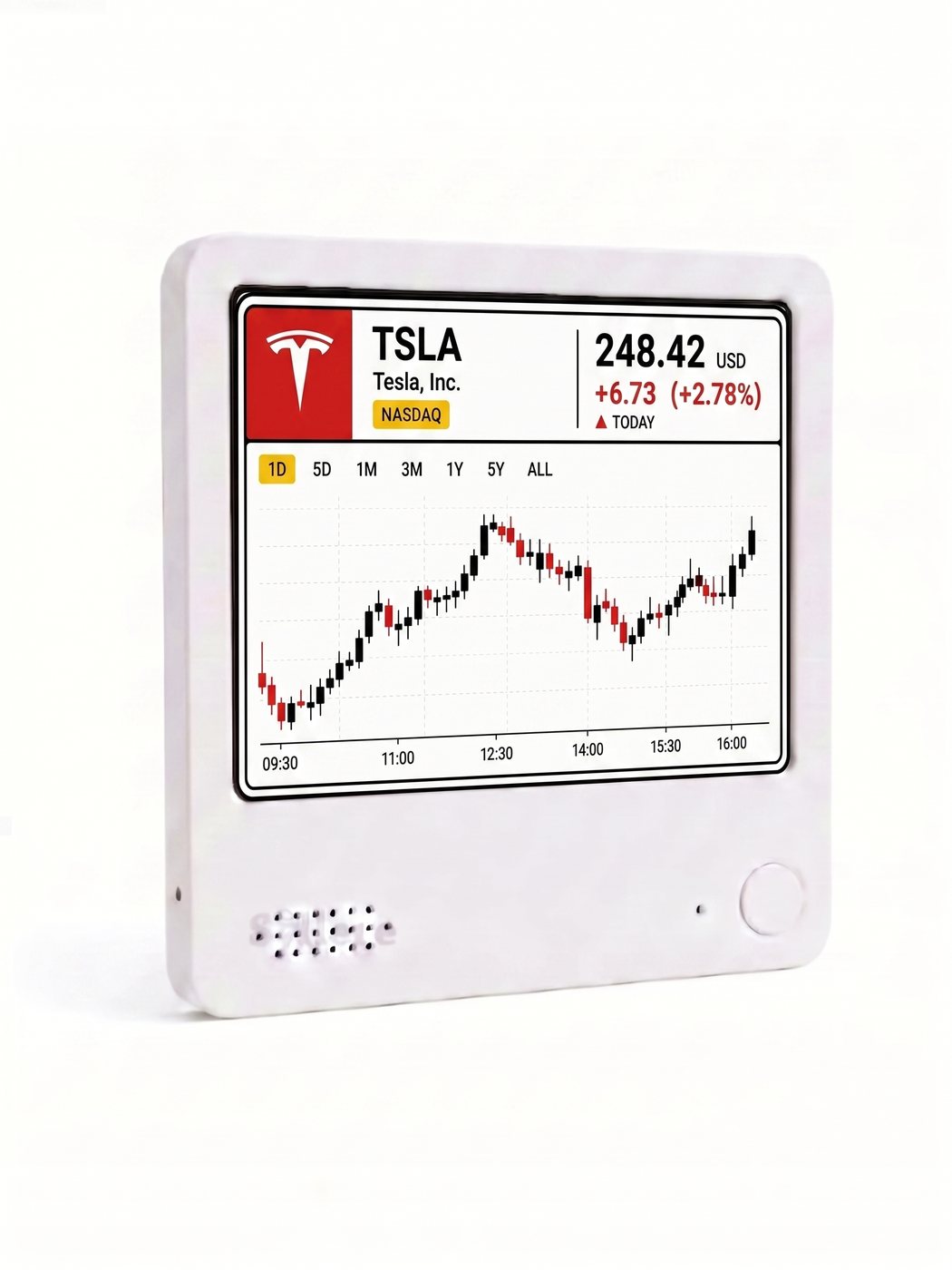
Official product photos on the Everview listing show one square layout. In the example, the screen is set to Tesla, Inc. (TSLA) on Nasdaq, with a price of 248.42 USD, a day’s change of +6.73 (+2.78%), and a “Today” label. Below that is a candlestick chart for a regular U.S. cash-session window, marked from 09:30 to 16:00. Period labels for 1D, 5D, 1M, 3M, 1Y, 5Y, and ALL appear above the chart, and every official photo shows the 1D view.
Treat those figures as an illustration of the layout, not as a current quote. The written listing does not describe the period labels as tappable controls, so this article does not claim that you can switch timeframes on the device. The product is listed as a stock and crypto price ticker, and checkout notes invite you to name a ticker such as TSLA, but the official photos only show this single-stock example. This article does not describe a crypto layout, a multi-ticker watchlist, or portfolio profit and loss.
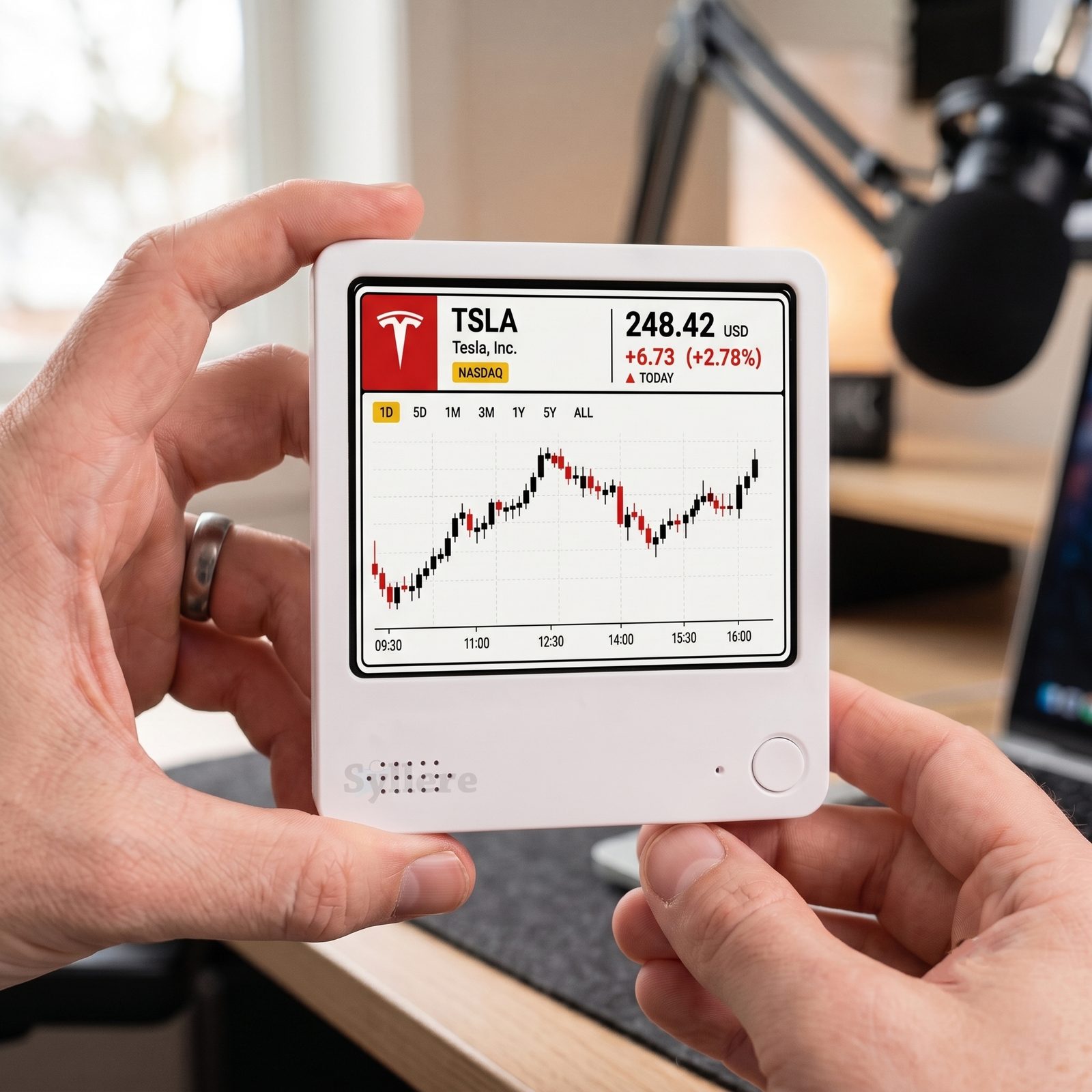
This official product photo shows the color-screen layout held at a desk. The sample price and candles illustrate the design; they are not a live quote.
How is an e-ink desk ticker different from a phone app or an LED stock ticker?
Most people already check prices in Yahoo Finance, Robinhood, TradingView, or a brokerage app. Those tools are built for research and trading, but they also pull you back to a glowing screen. LED desk tickers can make sense when you want a number readable from across a room. An e-paper display is for a quieter setup: a paper-like screen that stays visible, without a bright LCD on the desk.
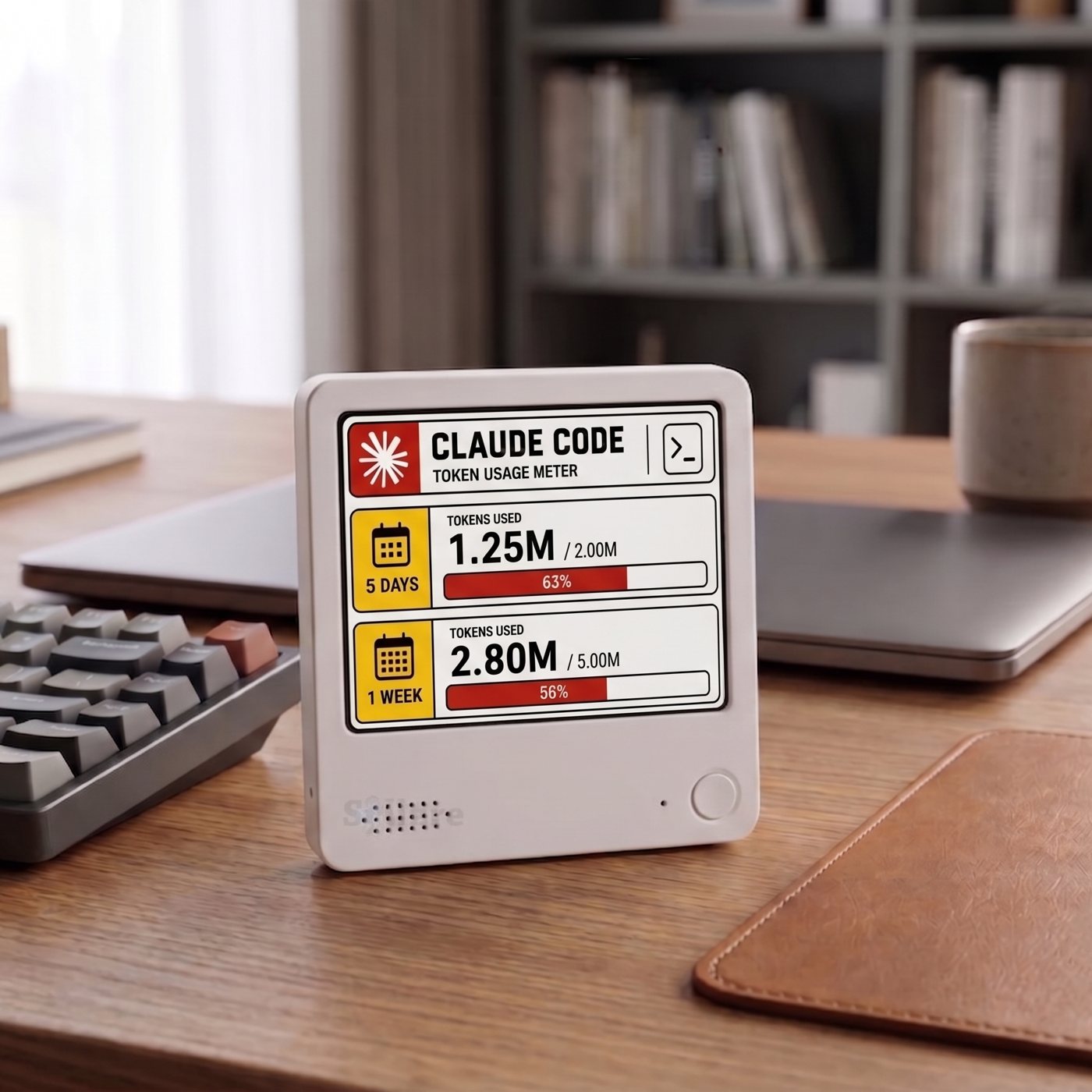
The Everview listing describes Kindle-like e-ink that is crisp, glare-free, and readable in direct sunlight. The device is 10 cm by 10 cm (4 inches by 4 inches) and 1 cm (0.4 inches) thick, with a built-in battery that can last up to a week on a charge and recharges over USB. A strong back magnet lets you attach it to a fridge or another metal surface, and a stand is included so you can place it next to a monitor. Official photos show it held at a desk, on a refrigerator, and on a metal office board.
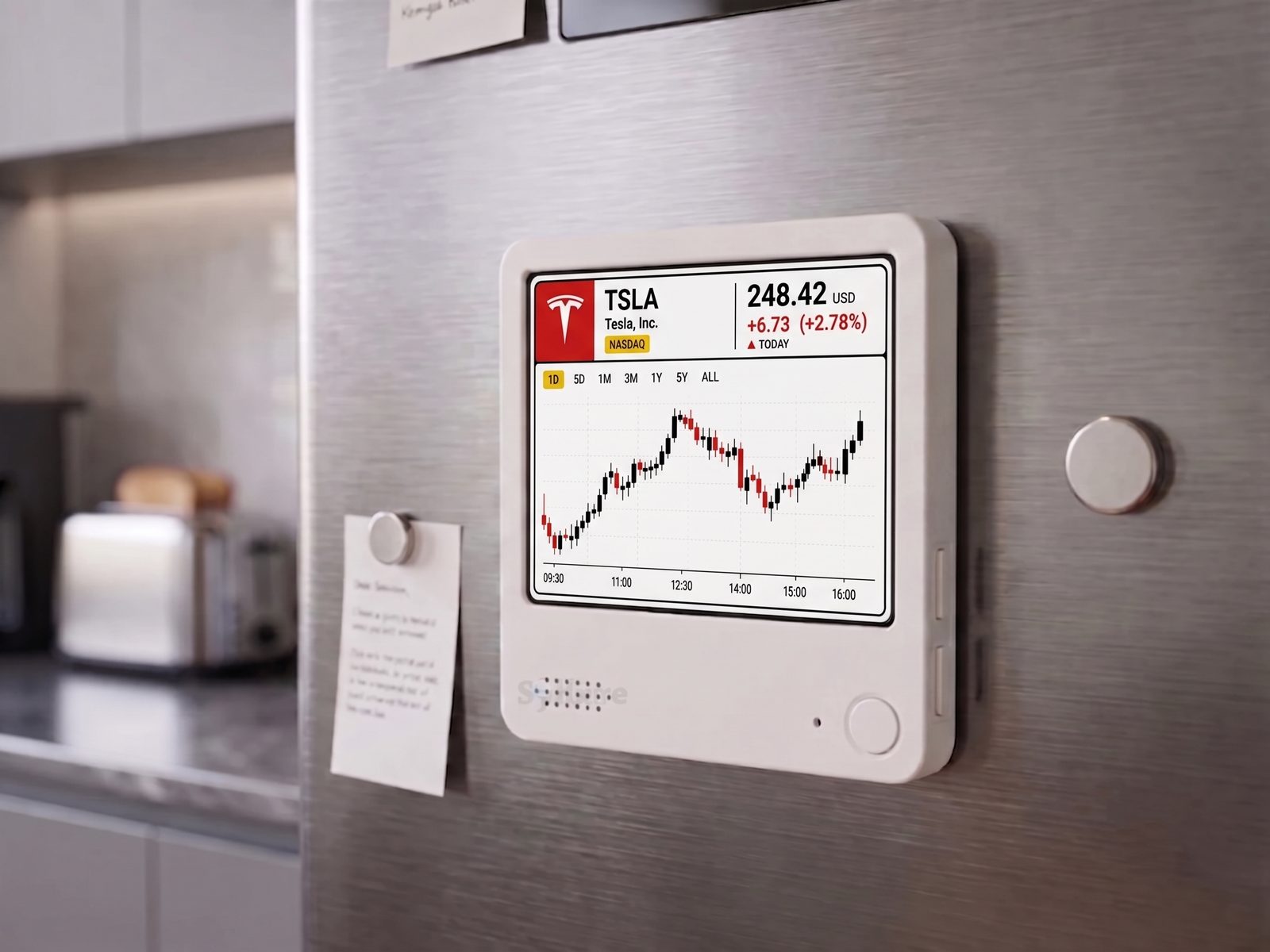
This official photo shows the color layout on a refrigerator, matching the magnetic back described on the page.
Checkout offers a color screen or a black-and-white screen at the same price. Official photos show the same TSLA layout in both finishes. The listing notes that the color e-ink version can flash briefly and take a few seconds when switching between dashboards; the monochrome version is described for zero flash and instant switching. That note is about dashboard changes, not a published chart refresh rate.
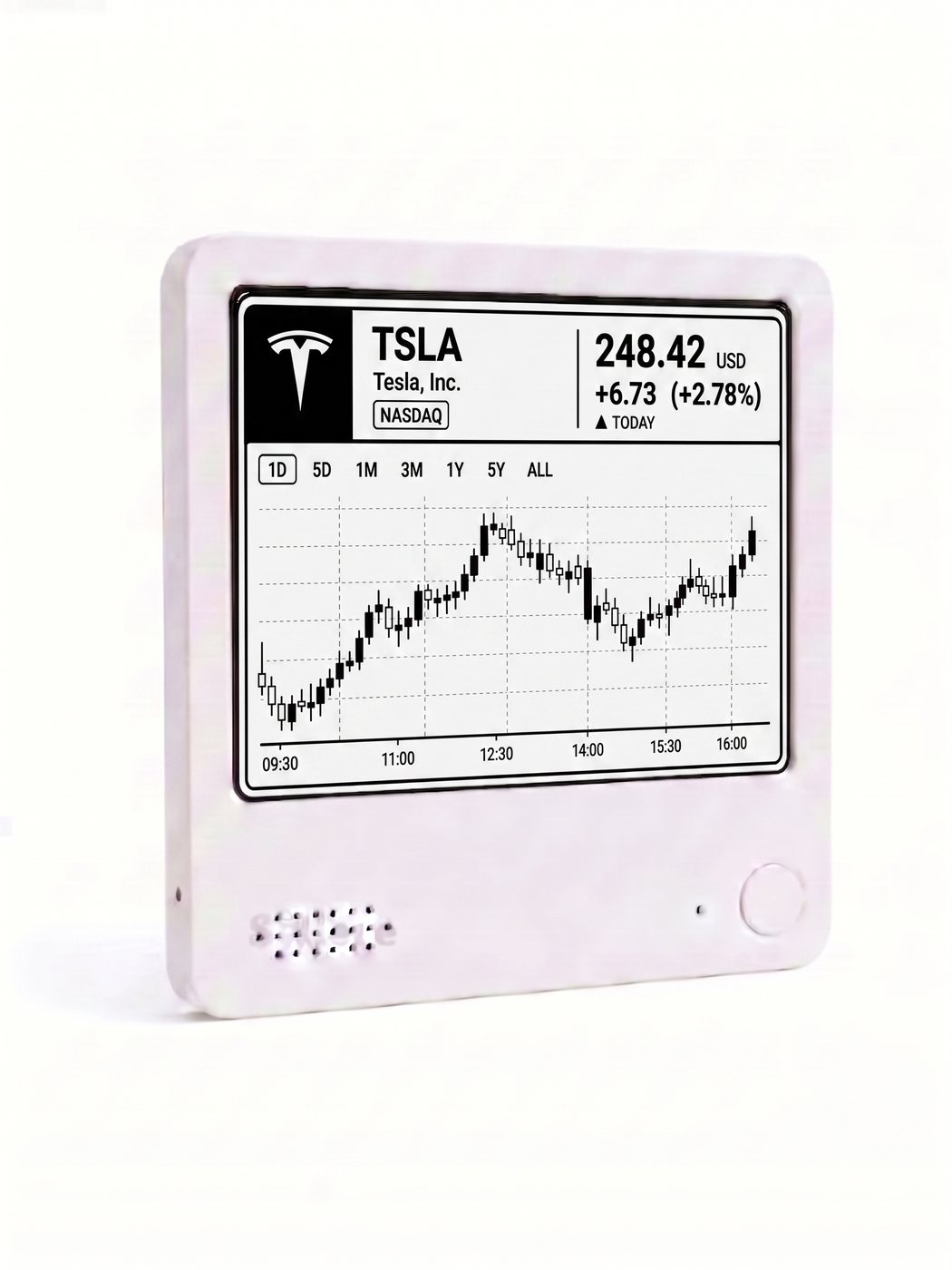
This official photo shows the black-and-white option. The layout matches the color example; only the color accents are removed.
The product title includes the word “Live,” but the body copy only promises automatic, regular updates throughout the day so you do not have to keep checking a phone or computer. No refresh interval is published, so this article does not describe the display as live or second-by-second.
How do you get a ticker like TSLA onto the display?
The public listing does not publish a click-by-click setup walkthrough, and it does not ask you to connect a brokerage account or create API keys. It also does not claim an official integration with Yahoo Finance, TradingView, or Robinhood. Those names appear only as examples in the checkout notes, which ask which app you use to track your stocks, or whether you want a ticker such as TSLA.
The setup steps on the product page are short:
- Select your preferred screen color at checkout: color or black-and-white.
- Leave a note with the ticker, or the app you already use to follow it.
- Everview pre-configures the device before shipping, then sends a follow-up email about the specific settings.
If you later want a different ticker or metric, the listing says you can send a message and Everview will reprogram the display remotely. The same over-the-air support is offered if a dashboard gets stuck. The page still includes leftover “Channel ID” template wording from other listings; for this product, the notes about a ticker or finance app are the instructions that apply.
What should you check before buying an e-ink stock desk display?
Match the screen to the way you actually follow prices:
- Confirm that a single-ticker price and candlestick chart is what you want in view; the official photos show that layout only. If you need alerts, a rotating watchlist, options data, or a screen readable from across a room, a phone app or LED ticker is the closer fit. This listing does not claim those features.
- Keep your brokerage or finance app for trading, research, and official quotes. This display is a desk view, not a trading terminal, and the listing does not say it connects to a brokerage account.
- Choose the color screen if you want the red and yellow accents shown in the color photos, or black-and-white if you prefer a monochrome chart and the instant-switching behavior described for that option.
- Note the current product-page details: $69.00 USD for either screen color, plus a fixed $15 USD shipping fee for worldwide delivery. Checkout collects an email and a worldwide delivery address. The listing does not publish a subscription price, a refresh interval, or a data-source name. The box is described as including the display and setup instructions.
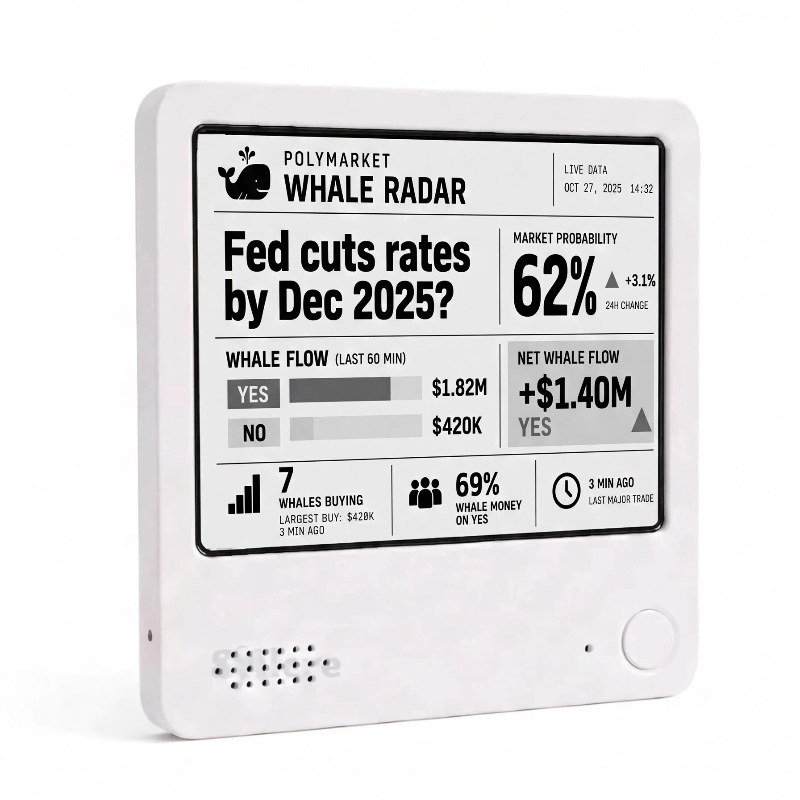
Use a display like this as a snapshot of the ticker Everview configures for you, not as a reason to buy or sell. The sample figures in the product photos, including 248.42 USD and +2.78%, are examples of the layout, not current market data or a forecast. If you also follow prediction markets, Everview has a separate guide on how to keep Polymarket whale activity visible on an e-paper desk display.
If you want a selected stock’s price and day chart visible on a quiet e-ink screen, the Everview stock and crypto price ticker is the listing that matches this view.